

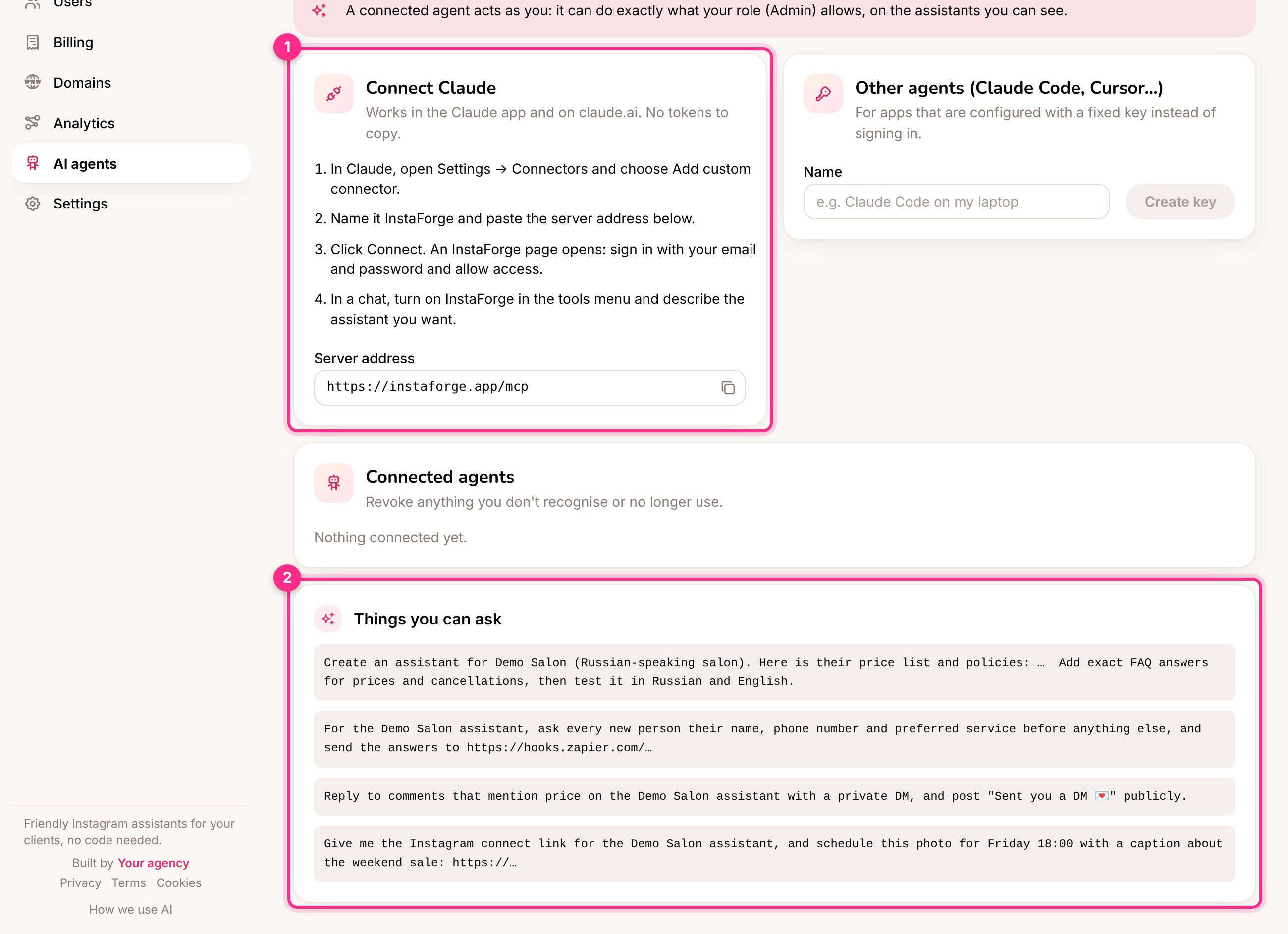
AI agents: connect Claude (1) and things you can ask (2)
Connect Claude
1
Add a connector
In Claude, open Settings → Connectors and choose Add custom connector.
2
Name it and paste the server address
Name it InstaForge and paste the Server address shown on the AI agents page:
https://instaforge.app/mcp. It stays on instaforge.app even though the dashboard is at portal.instaforge.app, so agents you already connected keep working.3
Sign in
Click Connect. An InstaForge page opens: sign in with your email and password and approve.
4
Use it
In a chat, turn on InstaForge in the tools menu and describe what you want.
Things you can ask
Add Demo Salon as a new client (Russian-speaking salon). Here is their price list and policies: … Add exact FAQ answers for prices and cancellations, then test it in Russian and English.
What did the Demo Salon assistant fail to answer this week? Draft answers I can approve.
Schedule this photo for Friday 18:00 with a caption about the weekend offer.
Show me which clients haven’t paid this month.
Demo Salon opened a second branch with its own Instagram. Add an assistant for it, copy the knowledge about the new address, and tell me what to send them to connect Instagram.
Give Demo Salon one inbox per assistant, and let the city centre assistant answer the website chat.
Give Demo Salon the address portal.demo-salon.com and tell me what DNS record to send them. (Admins: see Custom domains.)
Make a Studio plan at 79 EUR a month with up to 10 assistants and a 14-day trial, and put Demo Studio on it. (Platform owner: see Plans.)
Draft a reply to the person waiting in Demo Salon’s inbox, show it to me, and send it once I say OK.
Make a demo for Demo Pilates from demo-pilates.example.com and give me the link to send them. (See Demos for prospects.)
Show me the Google reviews of Demo Salon that still need a reply, with the drafts. Publish the ones I approve. (See Google reviews.)
When does our free trial end? Give me the link to subscribe. (Agency admins.)