

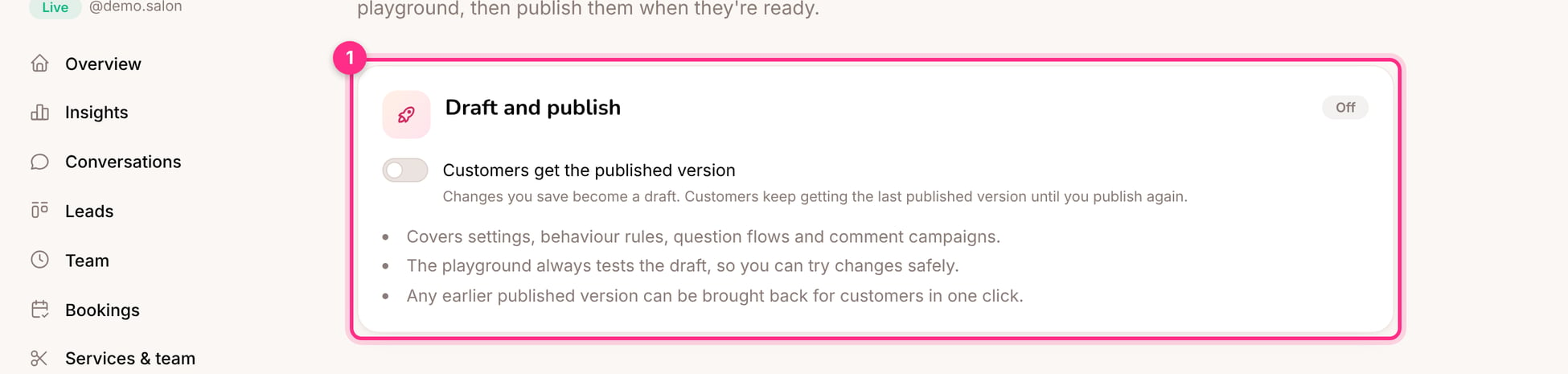
Draft and publish
When to use it
- Rewriting the knowledge base or the welcome message for a live client
- Building a new question flow over several days
- Changes the client must approve before they go out
How to use it
1
Turn it on
Open Draft & publish and switch it on.
2
Make and test your changes
Save as usual, and test in the playground.
3
Publish
Review the list of changes and click Publish. Customers get the new version straight away.
History: undo anything
Every change to an assistant’s set-up is saved in History, with who made it and when. Quick edits by the same person within 10 minutes are kept as one version. Open any version to see what changed and bring it back in one click.
History
Any earlier published version can be brought back for customers in one click, even with Draft and publish off.