

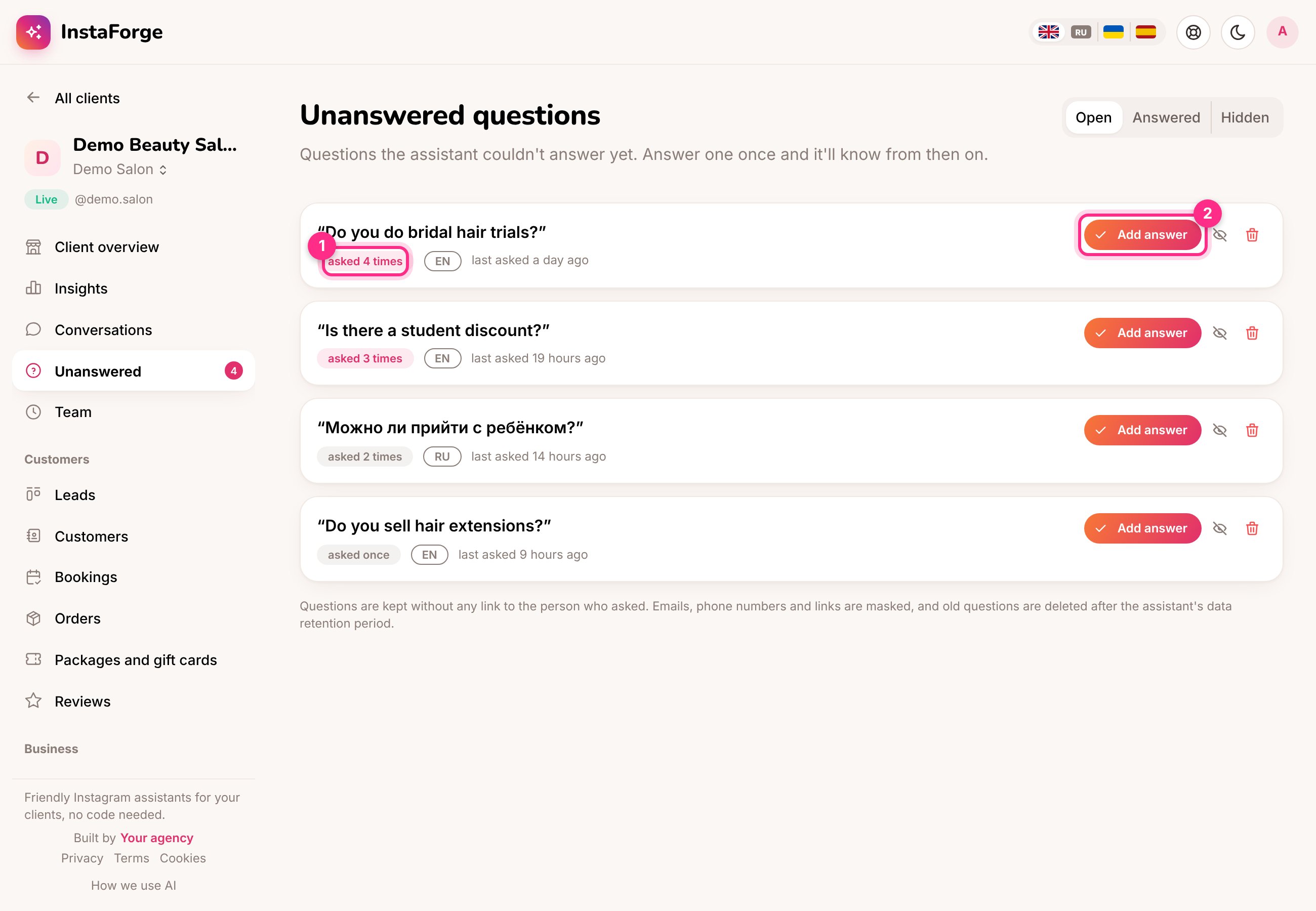
Unanswered questions: how often (1) and add an answer (2)
Answer a question
1
Click Add answer (2)
Write the answer the way you’d say it to a customer.
2
Save
The answer becomes an FAQ entry. From now on the assistant answers it.
3
Reply to the people who asked
You can send the answer to everyone who asked it in the last 7 days, so nobody is left waiting.
Business owners see this list in their portal as Questions to answer. Their answers become FAQ entries too, so the client can teach the assistant without your help.