

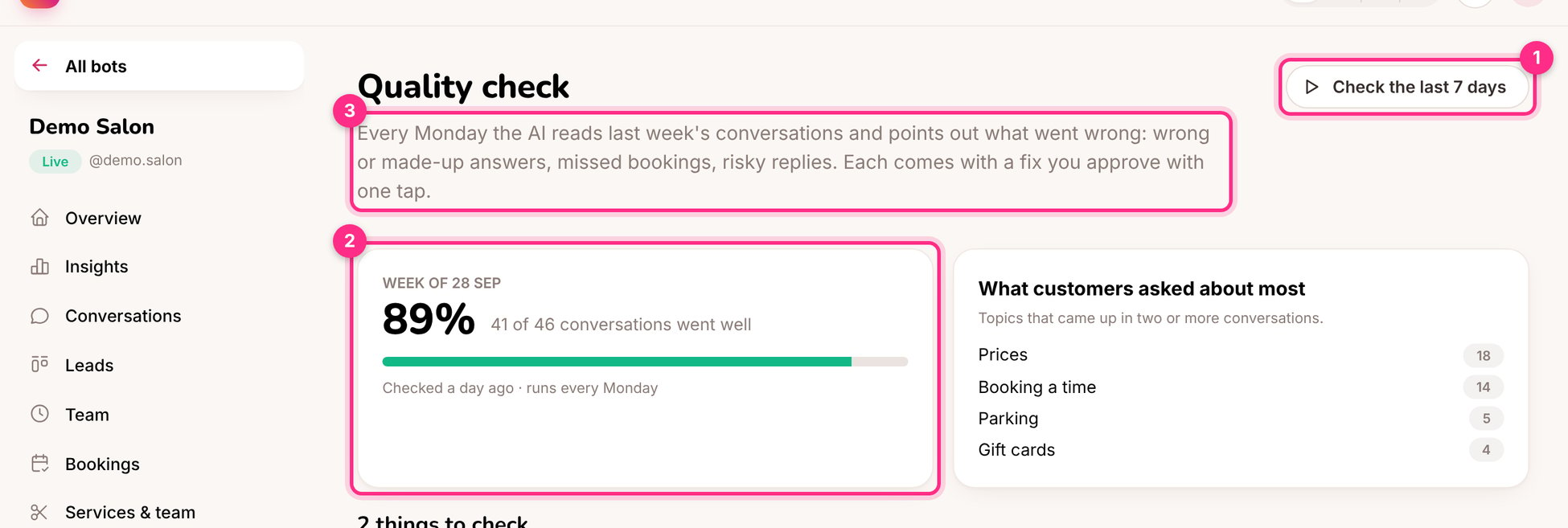
Quality check: run it now (1), the week's score (2) and something to fix (3)
What it finds
Each finding links to the conversation and usually comes with a proposed fix: a question and an answer to add as an FAQ.
Fix what it found
1
Open the finding
Read the customer’s message, the reply, and why it was flagged.
2
Apply the fix, or write the answer
If the proposed answer is right, click Apply. If the answer is empty, the knowledge doesn’t contain the fact: ask the client and type it in. The check never invents facts.
3
Or dismiss it
If the reply was fine, dismiss the finding.